Edit products with AI using Magic Edit
Magic Edit uses AI to rewrite your products while they import. Translate descriptions, improve titles, generate tags, or make listings more SEO friendly, all in one pass.
How credits work
Each product that Magic Edit processes uses 1 credit. Your monthly allowance depends on your plan:
| Plan | Magic Edit credits per month |
|---|---|
| Free | 5 |
| Standard | 25 |
| Plus | 5,000 |
Magic Edit credits left on Home is only for these AI edits. It is not an import limit. On Standard and Plus, product imports stay unlimited even when your Magic Edit credits hit zero.
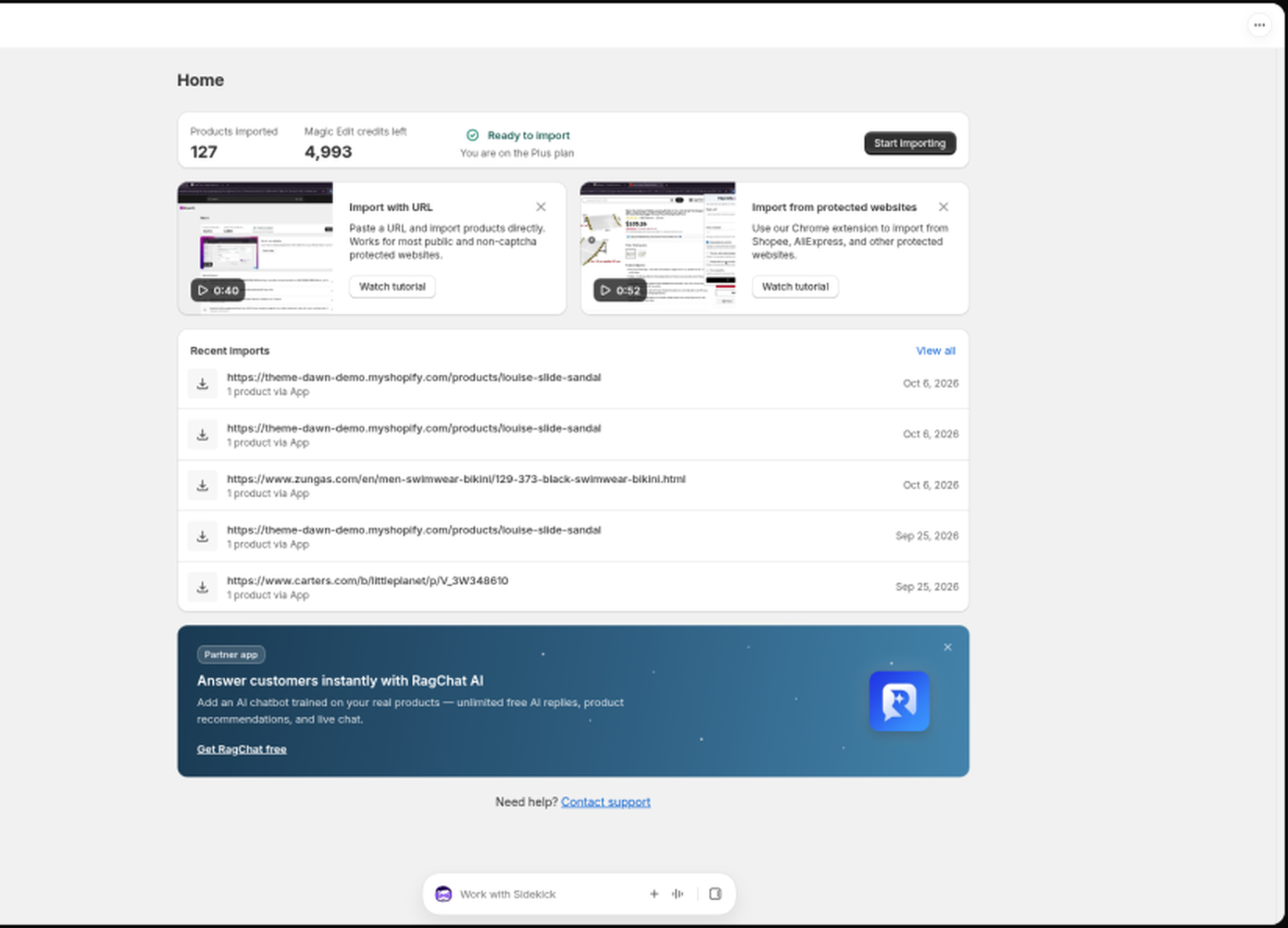
On Standard and Plus you can also top up AI credits whenever you need more.
Steps
- On the Import page, add your product URLs as usual.
- In the Magic Edit card, type what you want the AI to do (up to 500 characters). For example: "Translate the description to French" or "Improve the title and description for SEO".
- Or pick a shortcut: Make it SEO friendly, Generate product tags, Make it more engaging, Generate hashtags, or Improve title. Click More to browse ready-made prompts, or History to reuse a past prompt.
- Click Apply to preview the AI changes on up to 3 products before importing.
- Click Start migration. Every imported product is processed with your prompt.
Good to know
- The credit counter under the prompt shows how many credits you've used this month.
- If your prompt would need more credits than you have left, Migratify asks you to top up, upgrade, or remove the prompt before importing.
- Prompts you use are saved to your Prompt history, where you can pin favorites.
Still stuck? Message us from the chat widget and we'll help.