Manage conversations in the inbox
The Inbox is where you see every conversation from your storefront, watch the AI work, and jump in when a shopper needs a human. Open RagChat and go to Inbox.
Find conversations
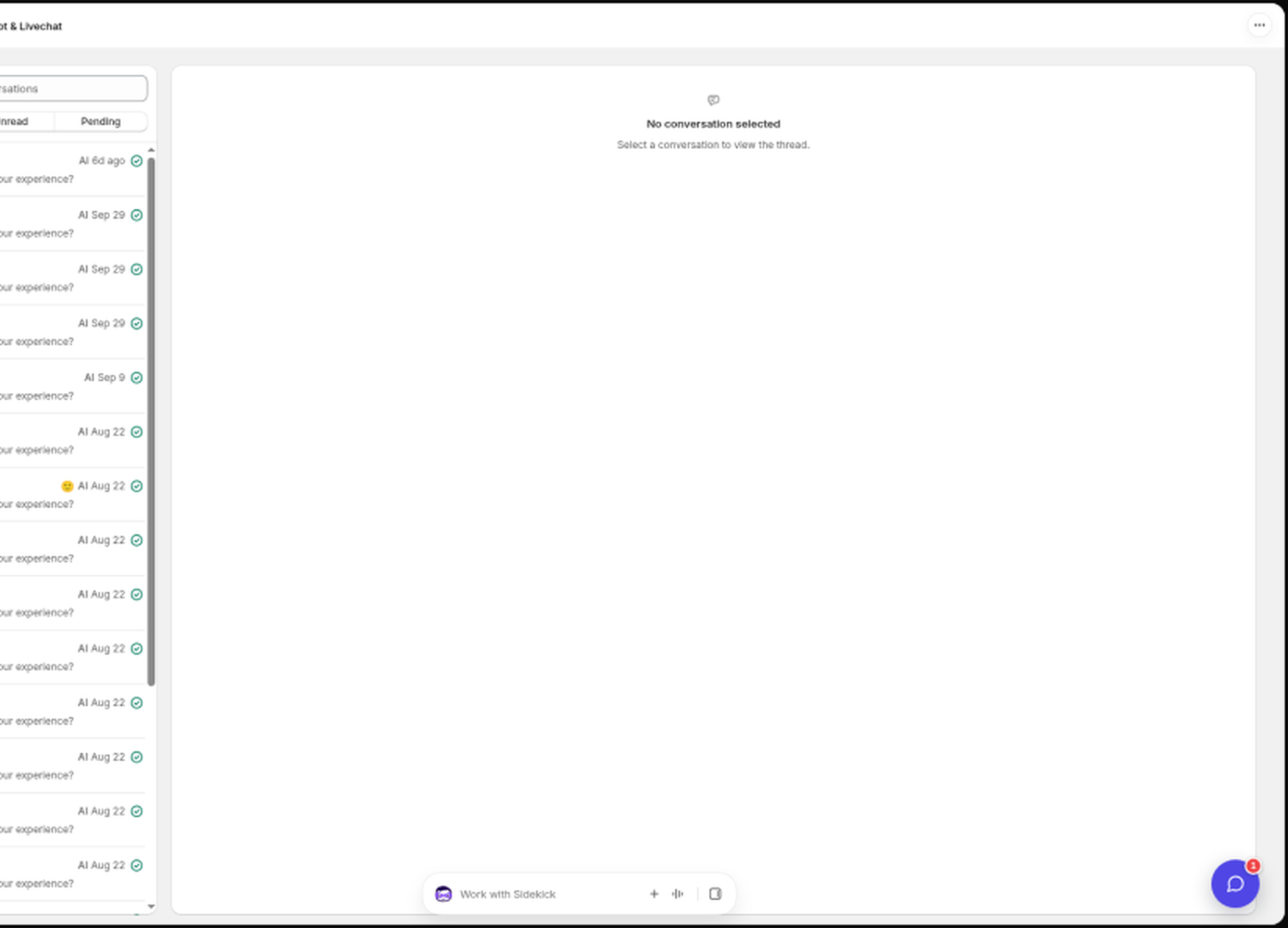
The left pane lists all conversations, newest activity first. Use the search box to find one, or filter with All, Unread, and Pending. Each conversation shows a status pill: AI (the AI is handling it), You (you took over), Pending (waiting for attention), or Resolved.
Any tags on a conversation appear on their own line in the list, each with its colour dot, so you can spot the topic without opening the thread. The first three fit in the row and the rest collapse into a +N count.
Opening a conversation puts it in the page address, so the thread survives a reload, works with your browser Back and Forward buttons, and can be copied and shared with a teammate. The inbox opens with no conversation selected. If a link points to a conversation that was deleted or belongs to another workspace, you get a Conversation not found message with a Back to inbox button.
You also hear a short chime whenever a customer message arrives, anywhere in the app, so you can work in another tab without missing one.
To reach someone who hasn't started a conversation yet, open the Contacts page and message them first. See Find and message your contacts.
Jump in and take over
Open any conversation and just start typing. The AI hands the conversation to you the moment you reply. You can also toggle the AI per conversation with Disable AI agent and Enable AI agent, without touching your global default.
While chatting you get the same realtime experience as the shopper: typing indicators, presence (Online or Last seen), and Seen receipts under your messages. A Seen receipt only appears once the shopper has the chat open and in front of them, so your reply can stay unread for a while if they switched to another tab. Last seen updates as they keep chatting, not just when they first open the chat.
Reply, note, or let the AI draft it
The composer has two modes:
- Reply: sent to the shopper.
- Note: an internal note, visible only to your team. Notes never reach the widget or email.
You can attach files to a reply or note. Click the attachment button, paste a screenshot, or drag files onto the conversation. Each message can carry up to 5 images or PDFs, 10 MB each, with or without text.
Click Suggest reply to have the AI draft an answer from your knowledge. The draft lands in your composer where you can edit it before sending, and nothing is sent until you decide.
You can also edit or delete a message you already sent (the shopper sees an edited marker), with a short Undo window for deletes.
Talking to shoppers in other languages
If a shopper writes in a language you don't read, turn on auto-translate (Standard and Pro). Their messages appear in your language with Show original one click away, and your replies are translated back into theirs before they are sent. See Translate conversations into your language.
Fix a wrong AI answer on the spot
If the AI answered something incorrectly, use Correct this answer on that message and write the right answer. Corrections are saved as Q&A overrides, which always take priority over generated answers from then on. See Add Q&A overrides.
Shopper details
The right panel shows who you are talking to: customer, lead, or anonymous visitor, plus their location, session start, satisfaction rating, and Recent orders from the last 60 days pulled live from Shopify, so you never have to switch tabs to check an order.
You can also store your own Custom data on a contact here. See Store custom data on contacts.
When a connected app or integration posts an event for that contact (for example an install, uninstall, or import), an Events section appears in this panel. Each row shows the event name and when it happened. Click Show details to expand any extra data attached to the event. The section stays hidden when there are no events.
You can run automations when an event arrives. See Set up automations.
Wrap up
- Resolve a conversation when it is done. If satisfaction ratings are on, this is what triggers the rating request. See Collect customer satisfaction ratings.
- Resolving also hands the conversation back to the AI, so the shopper's next message is answered automatically. You can switch that off under Settings → AI → Human handoff. See Configure your AI assistant.
- Add tags to organize conversations (type to search or create one). Each new tag gets a colour automatically, and your tags show in the conversation list so you can scan for them.
- Block contact stops someone reaching you at all, quietly and until you lift it. See Block a contact.
- Delete conversation removes it permanently.
Still stuck? Message us from the chat widget and we'll help.