Options appear in the wrong place on the page
Your options render, but at the bottom of the product page or in an awkward spot. This happens when the widget can't find a natural insertion point in your theme. Two fixes, easiest first.
Fix 1: Add the Options app block (recommended)
The app block pins the options exactly where you place it:
- In Shopify admin, go to Online Store → Themes → Customize.
- Open your product page template.
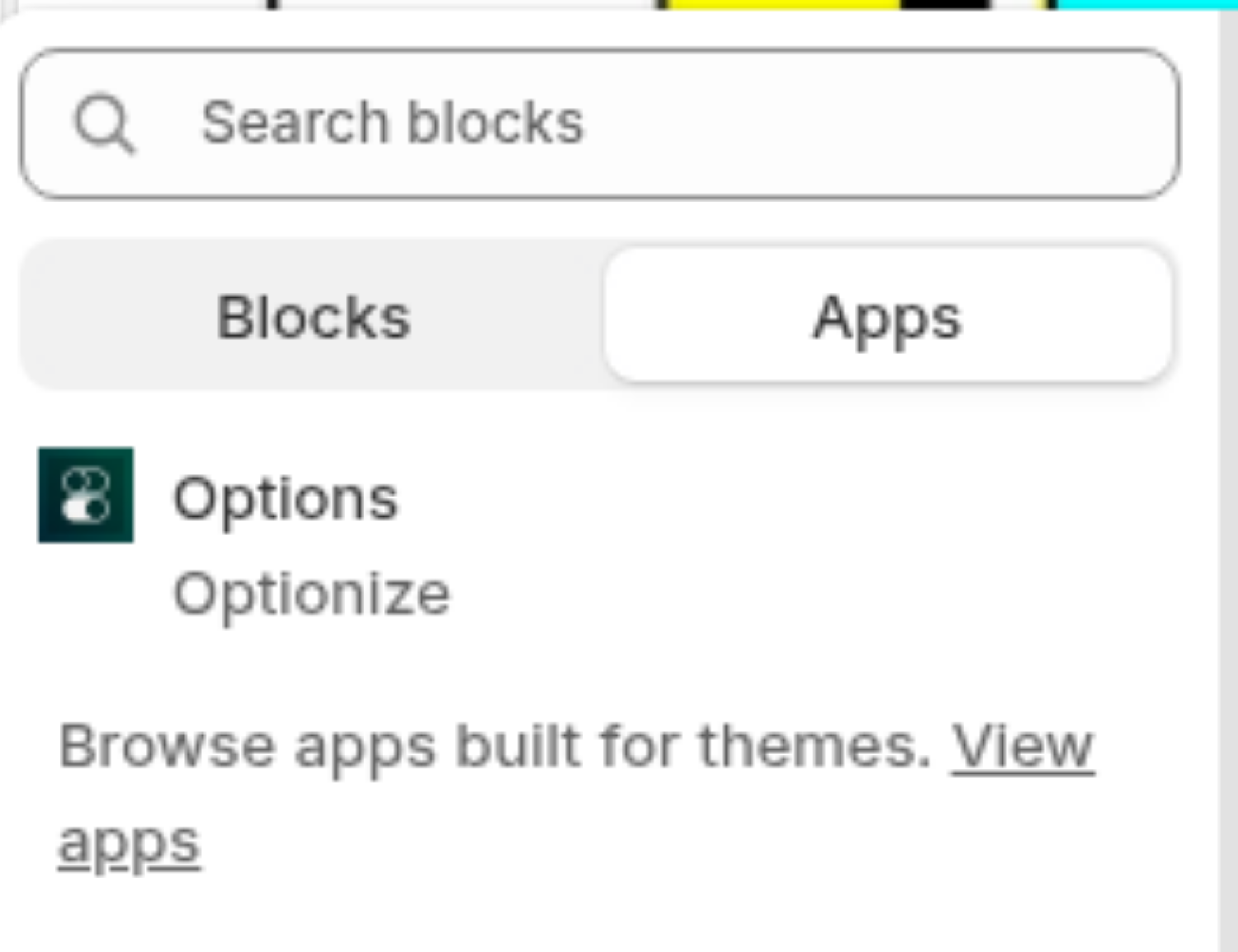
- In the section where you want the options (usually the product information section), click Add block.
- Choose the Options block from Optionize.
- Drag the block to the exact position you want, then click Save.
Fix 2: Use the placement selector
If your theme doesn't support app blocks in that section, point the widget at a CSS selector instead:
- In the app, go to Settings.
- Find the placement selector setting under the advanced options.
- Enter the CSS selector of the element where the options should render (your theme developer or browser dev tools can help you find it).
- Save and reload your product page.
Still stuck? Message us from the chat in the app and we'll help.