Feature your best reviews
Featured reviews are hand-picked testimonials shown in the Featured Reviews carousel widget. Use them to put your strongest social proof on high-visibility pages like your homepage.
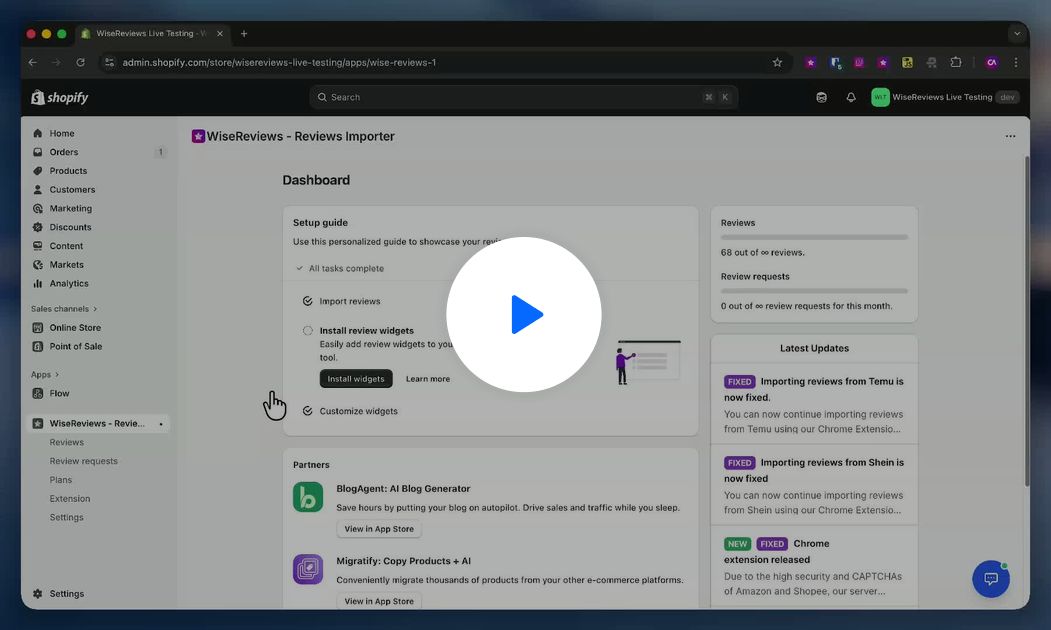
Mark reviews as featured
- In WiseReviews, go to Reviews.
- Select the reviews you want to feature.
- In the actions menu, click Mark as featured.
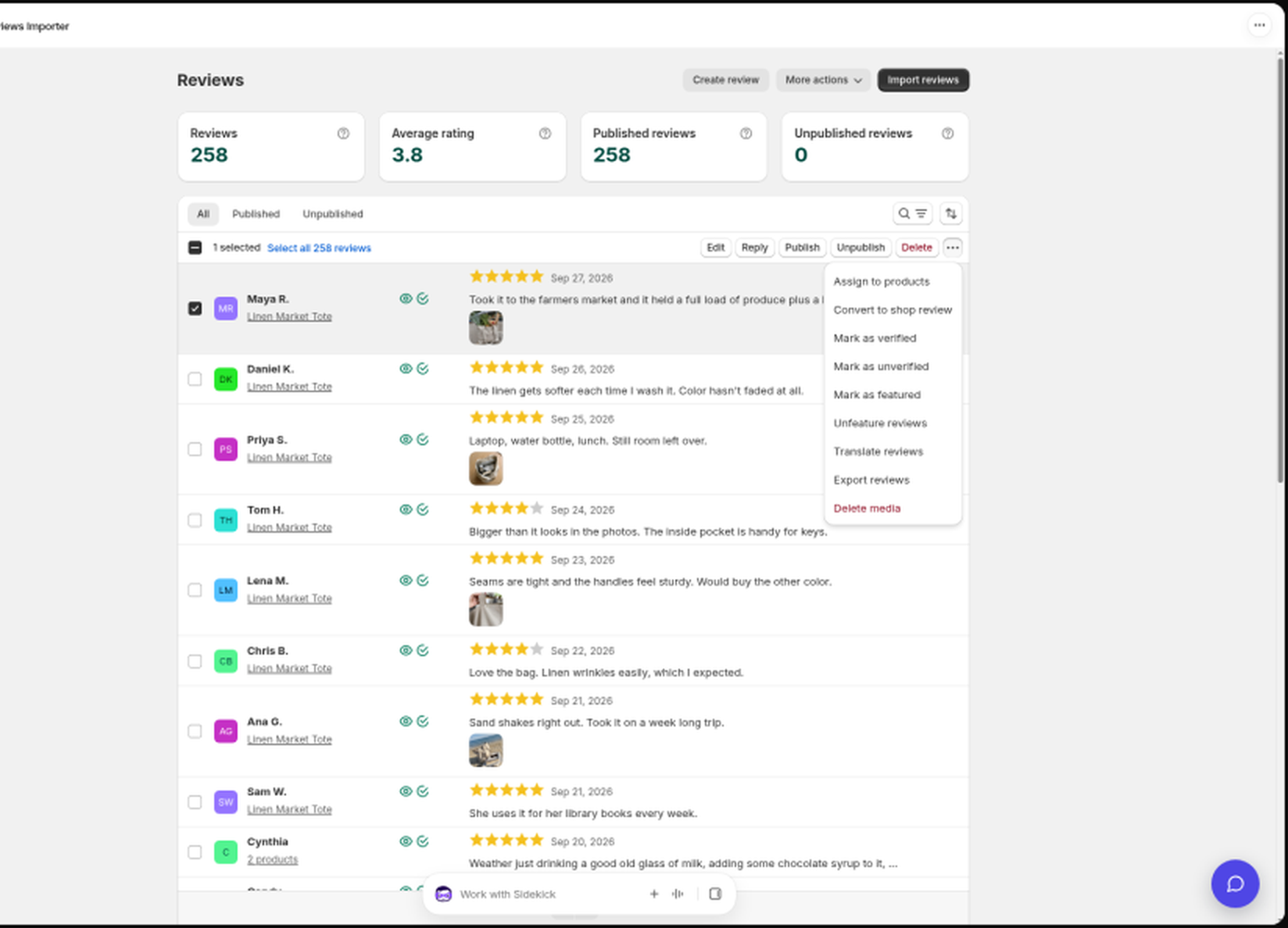
You can feature up to 25 reviews. To remove one, filter by Featured, select it, and click Unfeature reviews. Featured reviews show a pin icon in the list.
Tips for picking: choose 5-star reviews with specific, genuine-sounding feedback, prefer ones with photos or videos, and cover a variety of products if the carousel lives on your homepage. Refresh the selection now and then as better reviews come in.
Add the Featured Reviews widget
- In the Shopify theme editor, open the page where you want the carousel (your homepage, for example).
- Click Add section (not Add block), then pick Featured Reviews under Apps. Shopify adds it as an Apps section.
- Position it and click Save.
The widget works on any page that accepts sections. For placement ideas, see Show reviews on your homepage and other pages.
If a product page is built with GemPages, Shopify's app-block list often will not appear on that template. Use the GemPages steps in Install the review widgets on your store.
Customize the carousel
Go to Settings → Review widgets → Go to settings and scroll to Featured reviews:
- Automatically play featured reviews: the carousel rotates on its own.
- Enable touch/swipe to move between reviews: for mobile visitors.
- Show media within the review cards and Show product name if available.
- Card border: Shadow, Solid, or Plain.
See Customize the review widgets for the full settings tour.
Still stuck? Message us from the chat widget and we'll help.